
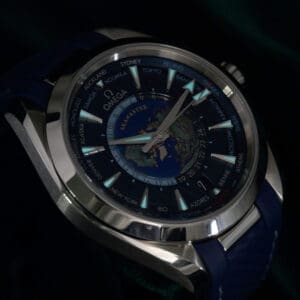
Learning how to set time on Omega Seamaster watches is essential for keeping your movement accurate and preventing unnecessary wear. Each model adjusts differently, and knowing the correct method protects both the crown and the mechanism inside your watch.
In this guide, you’ll learn the proper time-setting steps for mechanical Seamasters, independent hour-hand calibers, and quartz versions. See the common mistakes owners make and get tips that help maintain long-term accuracy. Below, you’ll find a clear, safe, and model-specific process.
What You Need to Know Before Setting the Time
Before adjusting your Seamaster, you need to understand how its crown positions and movement type affect the setting process. Here are the key points that will help you avoid damage and keep your watch accurate.
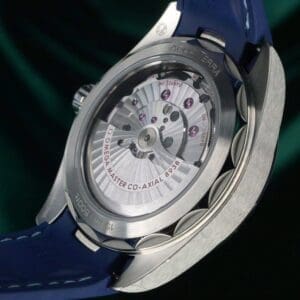
- Know your movement type. Omega Seamasters use different systems, including Co-Axial mechanical calibers, Caliber 8800/8900 movements with an independent hour hand, and quartz calibers with battery-driven stepping motors.
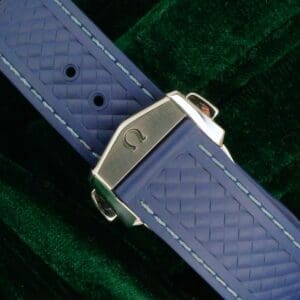
- Identify the crown positions. Most models use a screw-down crown with distinct clicks for winding, hour-hand adjustment, and full time setting.
- Avoid the danger window. The date mechanism on many Omega movements is most sensitive between 8 PM and 4 AM, making adjustments risky during this period.
- Check power reserve or battery strength. Mechanical models need enough stored energy for smooth hand movement, while quartz models should have a stable battery before setting the time.
How to Set Time on an Omega Seamaster (Mechanical Models)
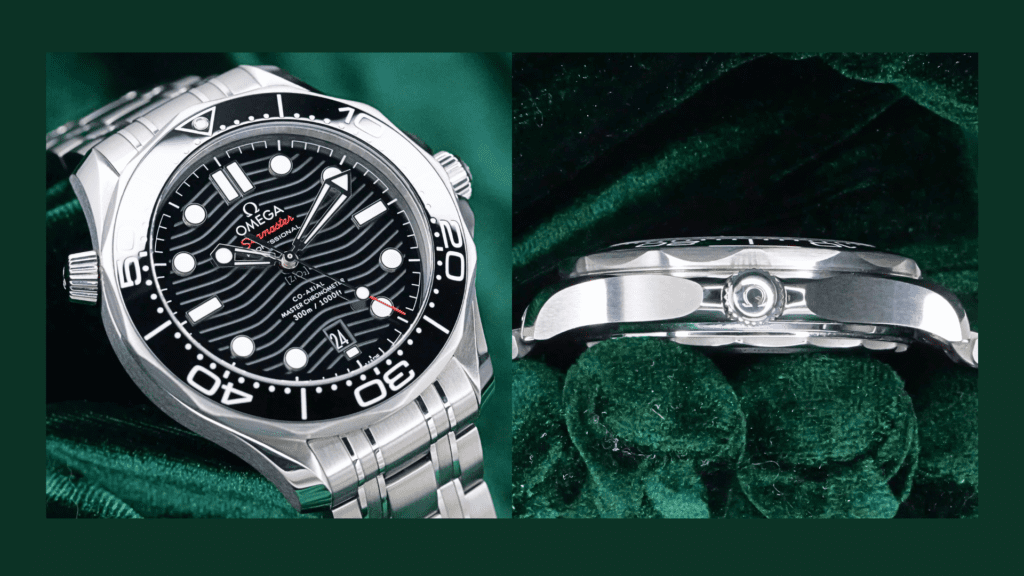
Mechanical Omega Seamaster watches use Co-Axial movements like Caliber 8800 and 8900, which require careful crown handling and forward-only adjustment to protect the gear train and date mechanism.
The fundamentals are similar across most self-winding watches — our general primer on setting an automatic covers the basics if you’d like a refresher first.
1. Unscrew the Crown
Turn the crown counterclockwise until it releases from the case. Seamaster models use a screw-down crown for water resistance, so it must be fully disengaged before pulling.
Take your time here. If the crown feels tight, apply light pressure inward while turning. This helps avoid cross-threading, which can damage the crown tube over time.
2. Wind the Movement (If Needed)
If your watch has stopped or hasn’t been worn for a couple of days, wind it 20–30 turns. A stable power reserve helps the hands move smoothly during setting. Without it, you may notice slight hesitation or uneven motion when adjusting the time.
Tip: Stop winding as soon as you feel resistance. Forcing it adds unnecessary wear to the movement.
3. Pull Crown to the Second Click (Time Setting Mode)
Gently pull the crown past the first click and into the second position. This activates full-time-setting mode and stops the seconds hand on most Seamaster models. For better accuracy, wait until the seconds hand reaches 12 before pulling the crown. This makes it easier to sync your watch precisely with a reference time.
4. Rotate Hands Forward Only
Turn the crown clockwise to move the hands forward. Omega Co-Axial movements are not designed for repeated backward adjustment. Rotating counterclockwise can stress the gear train and interfere with the date mechanism, especially on calibers like 2500, 8800, and 8900.
Use slow, controlled turns instead of spinning the crown quickly. This helps you land exactly on the correct minute marker without overshooting.
5. Set AM/PM Properly
Rotate the hands past 12 and observe the date change. If the date advances, you are in the midnight cycle. If it doesn’t, you are in the noon cycle. This step prevents the common issue where the date changes at the wrong time of day.
Take a few extra seconds here. Misaligned AM/PM is one of the most common mistakes owners make.
6. Push Crown Back and Screw Down
Press the crown back into the case, then screw it down clockwise until it locks. After tightening, always re-check the minute hand. Some Seamaster models can experience a slight shift when the crown is pushed in.
Important checks before wearing:
- Make sure the crown is fully screwed down to maintain water resistance
- Avoid over-tightening; stop when it feels naturally secure
- Keep the watch face-up while setting to reduce hand drag





How to Adjust a Seamaster With an Independent Hour Hand (Caliber 8900 and GMT Models)
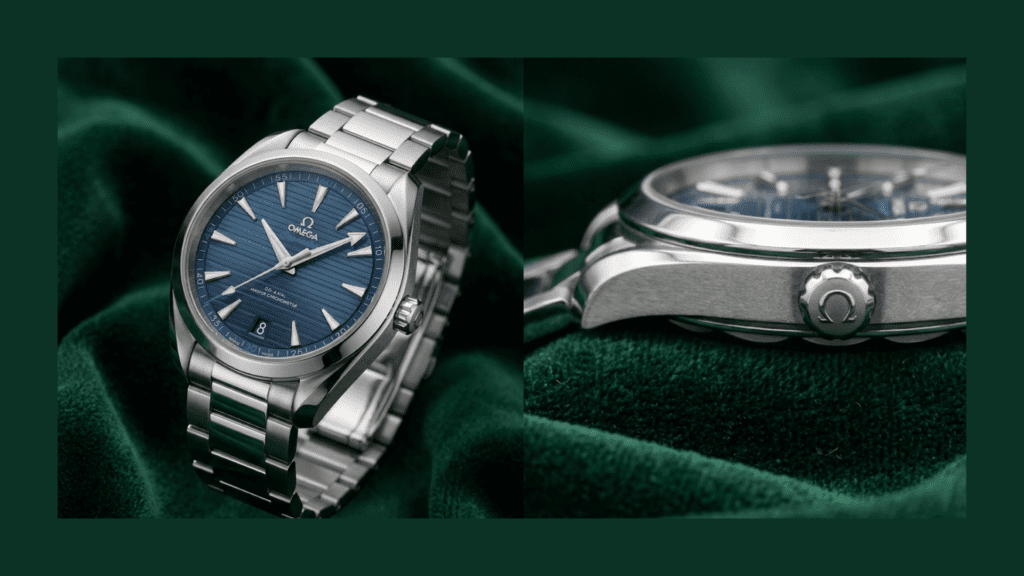
Omega Seamaster models with Caliber 8900, 8800, or GMT functions allow you to adjust the hour hand independently without stopping the movement. This is one of the most practical features for travel. If you’re new to reading and using a GMT complication, the basics are worth a quick look before you start adjusting.
1. Pull Crown to First Click
Unscrew the crown and pull it to the first click. In this position, the seconds hand keeps running, and the minute hand stays fixed. This allows you to adjust local time without affecting accuracy.
2. Adjust the Hour Hand in One-Hour Steps
Turn the crown forward or backward to move the hour hand in one-hour jumps. This feature is designed for time zone changes. The date will automatically adjust when the hour hand passes midnight, even when moving backward.
Tip: Use this function instead of full time-setting whenever possible. It reduces wear and keeps your watch accurate.
3. Use the Second Click for Precise Time Setting (If Needed)
If you need exact synchronization, pull the crown to the second click. This stops the seconds hand and allows full adjustment of both hour and minute hands. Use this only when necessary, such as setting the watch after it has stopped.
4. Push Crown Back and Screw In
Return the crown to its normal position and screw it down securely.
Before finishing, check that:
- The hour hand aligns cleanly with the markers
- The date has shifted correctly when crossing midnight
- The crown is fully sealed
Additional tip: If you’re traveling, adjust the hour hand while the watch is off your wrist. This gives you better control and avoids accidental pressure on the crown.


How to Adjust an Omega Seamaster Quartz

Quartz Seamaster models use a battery-powered movement, so the process is simpler and does not require winding.
Steps to Set the Time
- Unscrew the crown and pull it to the first click to stop the seconds hand
- Turn the crown to set the correct hour and minute
- Push the crown back in to restart the movement
- Screw the crown down to maintain water resistance
Practical Tips for Quartz Models
- Set the time in a stable environment. Extreme heat or cold can affect battery performance temporarily
- Avoid rapid spinning of the crown. Even quartz movements benefit from controlled adjustments
- If the seconds hand jumps in larger intervals, the battery may be low and should be replaced soon
999+ Timepieces Available
Explore Our Timepieces
Authenticated, unworn, and ready to ship worldwide.
Rolex · Audemars Piguet · Patek Philippe · Omega · Cartier · Richard Mille · Hublot · Tudor
Newly Listed

2025 NEW Hermes Kelly Sellier en Desordre 20 Vert Mangrove Epsom Leather Permabrass Hardware
$38,900.00
2026 NEW UNWORN Audemars Piguet Royal Oak Chronograph Black Dial Black Ceramic Bezel Black Ceramic Bracelet 41mm COMPLETE SET 26240CE.OO.1225CE.02
$129,800.00
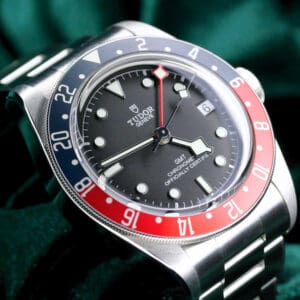
Tudor Black Bay GMT Pepsi Black Dial Red and Blue Bezel Stainless Steel 41mm MINT CONDITION COMPLETE SET 79830RB
$4,294.00
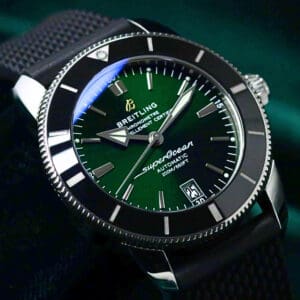
Breitling Superocean Heritage II Green Dial Black Ceramic Bezel Black Rubber Strap Stainless Steel 42mm MINT CONDITION COMPLETE SET AB2010121L1S1
$5,236.00
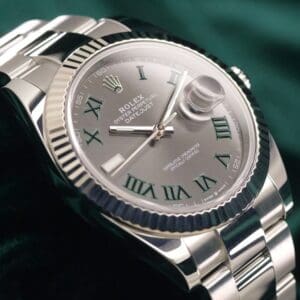
2025 Rolex Datejust Wimbledon Slate Gray Dial Fluted 18K White Gold Bezel Oyster Bracelet Stainless Steel 41mm MINT CONDITION COMPLETE SET 126334
$15,694.00
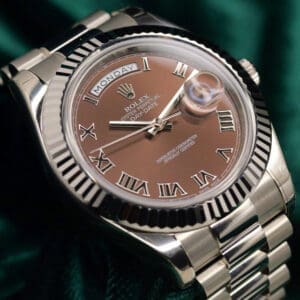
Rolex Day-Date II Brown Chocolate Dial Roman Numerals Fluted Bezel President Bracelet 18K White Gold 41mm MINT CONDITION COMPLETE SET 218239
$49,390.00

2026 NEW UNWORN Rolex Cosmograph Daytona "Baby Le Mans" Black Dial Silver Subdials Black Ceramic Bezel Black Oysterflex Strap 18K White Gold 40mm COMPLETE SET 126519LN-0002
$57,200.00
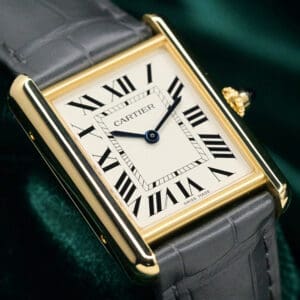
2025 Cartier Tank Louis Cartier Silver Dial Gray Alligator Strap 18K Yellow Gold 25.5mm MINT CONDITION COMPLETE SET WGTA0343
$12,495.00
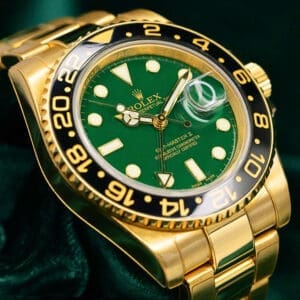
Rolex GMT-Master II Green Dial Black Ceramic Bezel Oyster Bracelet 18K Yellow Gold 40mm MINT CONDITION COMPLETE SET 116718LN
$46,745.00

Omega Speedmaster Grey Side of the Moon Grey Dial Alligator Leather Strap Grey Ceramic 44.25mm MINT CONDITION 311.93.44.51.99.001
$8,690.00
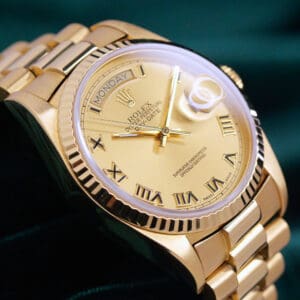
Rolex Day-Date 36 Champagne Gold Dial Roman Numeral Markers Fluted Bezel Presidential Bracelet 18K Yellow Gold NEAR MINT CONDITION 18038
$20,345.00

Rolex Yacht-Master Rhodium Grey Dial Platinum Bezel Oyster Bracelet Stainless Steel 40mm MINT CONDITION COMPLETE SET 116622
$14,300.00
Common Mistakes When Setting an Omega Seamaster
Many issues happen because Seamaster models use Co-Axial movements, screw-down crowns, and sensitive date mechanisms. Understanding these points helps you avoid unnecessary wear or damage. Here are the most common mistakes owners make and why they matter:
1. Adjusting the Date During the Danger Window
Most Omega Seamaster mechanical models have a date-change danger window between 8 PM and 4 AM, when the calendar gears are engaged. Adjusting the date during this period can strain the mechanism or cause partial date jumps. Always move the hands outside this range before changing the date.
2. Forgetting to Screw Down the Crown
Because the Seamaster line is designed with 300 m–600 m water resistance, the screw-down crown is essential for sealing the case. Leaving the crown loose creates a direct path for moisture and dust, which can damage the movement. Always tighten the crown after every adjustment.
3. Turning Hands Backward on Co-Axial Movements
Omega’s Co-Axial calibers, such as the 2500, 8800, and 8900, are not designed for repeated backward hand rotation. Moving the hands counterclockwise can place tension on the gear train or interfere with the date mechanism. Forward rotation keeps the movement aligned and avoids unnecessary wear.
4. Misreading AM/PM and Causing Date Misalignment
If the hour hand is set to the wrong 12-hour cycle, the date may change at noon instead of midnight. This is common when owners reset a stopped Seamaster without checking for a date jump. Always rotate past 12 to see whether the date advances before finalizing the time.
5. Applying Too Much Force When Unscrewing the Crown
The Seamaster’s crown tube and threads are precise, and forcing the crown can cause cross-threading or wear. If the crown feels stuck, relieve pressure gently and rotate slowly. Forcing it counterclockwise may damage the screw threads that maintain water resistance.
6. Setting Time Without Winding After Long Inactivity
When a mechanical Seamaster has stopped for several days, the power reserve is empty, and the hands may jump or hesitate when setting the time. Always give the watch 20–30 winds before adjusting. This stabilizes the movement and ensures accurate hand alignment.
How Often Should You Set or Adjust the Time?
You should set or adjust the time on an Omega Seamaster only when its accuracy drifts or after the watch stops. Mechanical models may need small corrections every few weeks, while quartz versions typically stay accurate for months.
Most modern Seamasters with Co-Axial movements maintain excellent timekeeping as long as they have a stable power reserve. If you rotate between watches, expect to reset the time whenever the movement runs out of energy. A watch winder or a proper storage routine can keep your automatic Seamaster ready to wear instead of needing a full setup each time. If it’s stopping unexpectedly even with regular wear, that points to a separate issue worth checking. Quartz models require adjustment mainly when the battery weakens or after long storage.
Final Thoughts on Setting Your Omega Seamaster
Knowing how to set time on Omega Seamaster watches correctly protects the movement, keeps the crown threads secure, and ensures the date mechanism stays aligned. Each Seamaster (mechanical, independent hour-hand, or quartz) has its own setting method.
With careful crown handling, proper AM/PM alignment, and attention to power reserve, you can keep your Seamaster accurate every day. Solid setting habits are also part of broader mechanical watch maintenance, which goes a long way toward long-term accuracy. If you follow the techniques in this guide, you’ll adjust your watch safely, confidently, and in a way that supports long-term performance.
FAQs About Setting Time on an Omega Seamaster
Does every Seamaster have a screw-down crown?
Most Omega Seamaster models use a screw-down crown to maintain water resistance, especially the Diver 300M, Planet Ocean, and Aqua Terra lines. A few vintage references may not use this system, so it’s best to check your exact model’s specifications. For more on how the lineup is structured, our Omega Seamaster buying guide walks through the main collections in detail.
Does setting the time affect water resistance?
Setting the time does not reduce water resistance, but leaving the crown unscrewed does. A Seamaster relies on its fully sealed screw-down crown to protect the movement, so always lock it back into place after adjusting the time or date.
Should I stop the seconds hand for perfect accuracy?
Yes. Many mechanical Seamasters have hacking seconds, which stop when the crown is pulled to the second click. Stopping the seconds hand lets you sync the watch to a reference time signal for the most precise alignment.
Why won’t my date change at midnight?
If your date changes at noon instead of midnight, the watch was set on the wrong 12-hour cycle. Rotate the hands past 12 and check for a date jump to confirm AM/PM, then reset the time to the correct position to realign the calendar mechanism.