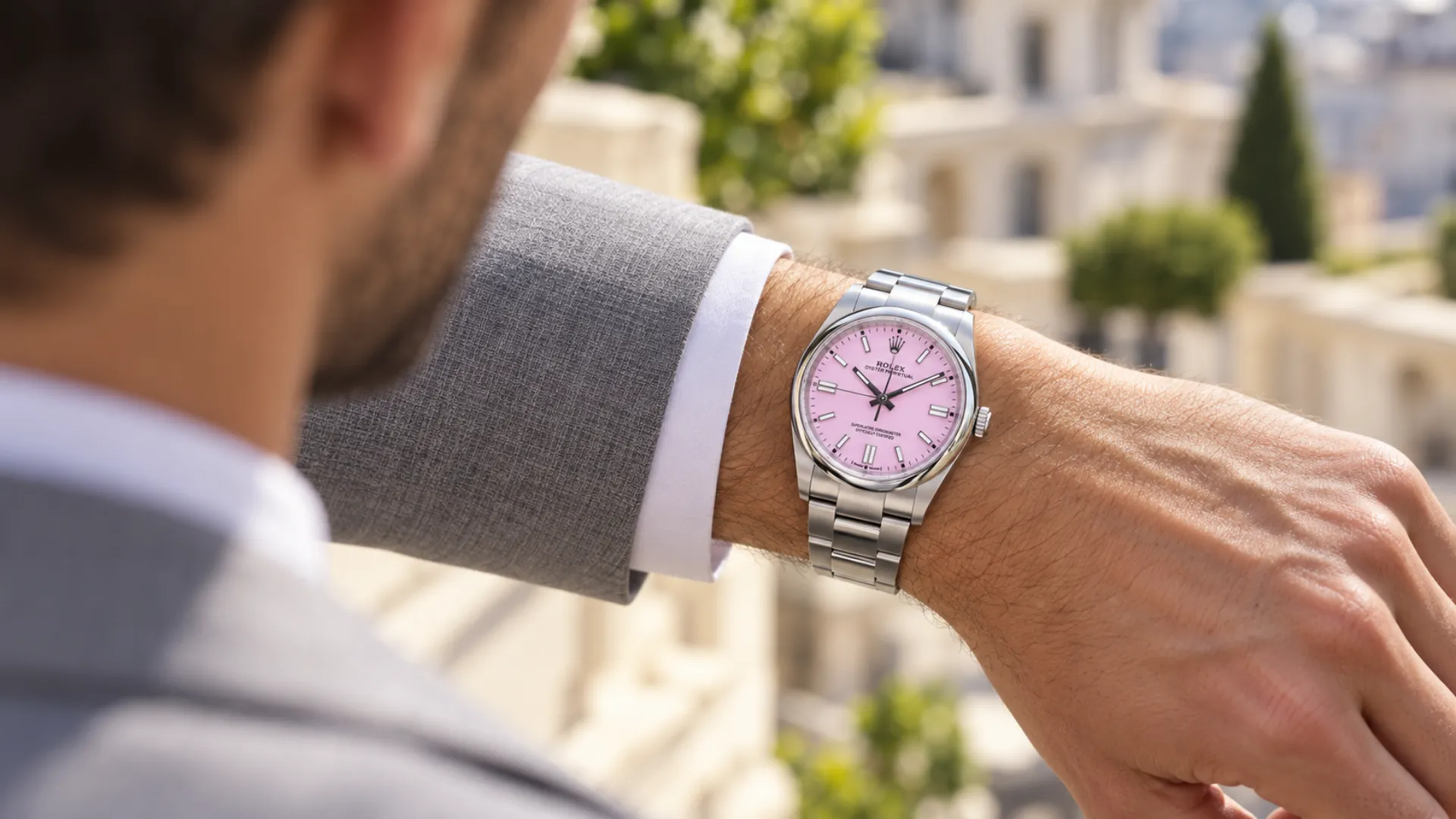

A jumping local hour is a watch function that lets you adjust the main hour hand forward or backward in precise one-hour steps without stopping the watch or affecting the minutes and seconds. If you’re learning how to use a jumping local hour, the goal is simple: make time-zone changes fast, accurate, and stress-free when you land, cross borders, or move between regions.
This feature is most valuable for frequent travelers, GMT watch owners, pilots, and business professionals who regularly work across time zones. Watches such as the Rolex GMT-Master II use a jumping local hour so you can reset local time instantly while keeping home time running in the background.
What Is a Jumping Local Hour?
A jumping local hour is a watch complication where the main hour hand can be adjusted independently in exact one-hour steps, forward or backward, without stopping the watch or affecting the minutes and seconds. This allows you to change local time instantly while keeping the watch’s accuracy intact, an essential feature for travel across time zones.
Instead of resetting the entire time display, you simply “jump” the hour hand to match your new location. Watches designed for travel, such as the Rolex GMT-Master II, use this system to make time-zone changes quick, precise, and low-risk.
How a Jumping Hour Differs From a Standard Hour Hand
On a standard watch, the hour hand is mechanically linked to the minute hand. To change the hour, you must rotate the hands together, which usually stops the movement and requires resetting the exact time afterward.
A jumping local hour works differently. The hour hand is decoupled from the minutes and seconds, allowing it to move independently in fixed one-hour increments. This means:
- The watch keeps running during adjustment
- Minutes and seconds remain perfectly aligned
- Accuracy is preserved when changing time zones
Jumping Local Hour vs GMT Hand
The jumping local hour and the GMT hand serve different roles and are often used together, which can cause confusion.
The jumping local hour is the main hour hand that shows your current local time and moves in one-hour jumps when adjusted. The GMT hand, by contrast, is a separate 24-hour hand that continuously tracks a second time zone, usually your home time.
In short:
- Jumping local hour: adjusted when you travel
- GMT hand: stays fixed to reference home or another time zone
Understanding this distinction helps you use the watch correctly and avoid adjusting the wrong hand when crossing time zones.
Watches That Use a Jumping Local Hour
A jumping local hour is most commonly found in travel-focused watches, especially GMT models designed for frequent time-zone changes. These watches prioritize convenience and accuracy, allowing the wearer to reset local time quickly without interrupting timekeeping.
This complication is less about adding visual flair and more about usability. Brands that build watches for pilots, international travelers, and globally mobile professionals are the ones most likely to include it.
GMT Watches With Independent Hour Adjustment
Many modern true GMT or traveler GMT watches feature an independently adjustable local hour. A well-known example is the Rolex GMT-Master II, where the main hour hand jumps in one-hour increments while the 24-hour GMT hand continues tracking home time.
Other travel-oriented GMT watches from brands like Rolex, Tudor, Omega, and Grand Seiko use similar systems. In all cases, the defining feature is the same:
- The local hour hand moves independently
- Minutes and seconds keep running
- The watch remains accurate during time-zone changes
Travel Watches vs Office GMT Watches
Not all GMT watches include a jumping local hour, and the difference comes down to intended use.
Travel or “flyer” GMT watches are built for people who move between time zones often. These watches allow you to adjust local time instantly upon arrival, making the jumping local hour essential.
Office or “caller” GMT watches, by contrast, usually allow independent adjustment of the GMT hand instead of the local hour. These are designed for staying in one place while monitoring another time zone, such as a remote office or overseas market.
In short:
- Travel GMT: jumping local hour for frequent movement
- Office GMT: fixed local hour, adjustable GMT hand for reference

How to Set a Jumping Local Hour Step by Step
Setting a jumping local hour is designed to be quick and mistake-proof. You adjust only the local hour hand in clean one-hour clicks, while the watch keeps running normally in the background. The exact crown positions vary by brand, but the practical method stays the same.
Setting the Local Hour When You Arrive in a New Time Zone
Start by keeping the watch on your wrist or holding it securely, then use the crown to enter the “local hour” setting position.
In most jumping-hour GMT watches, the process looks like this:
1. Unscrew the crown (if your watch has a screw-down crown). Turn it counterclockwise until it releases.
2. Pull the crown to the local-hour setting position. This is typically the first click after the crown is released. (The full time-setting position is usually one click farther out.)
3. Turn the crown to jump the hour hand.
- Turn one direction to move the hour hand forward in one-hour steps
- Turn the opposite direction to move the hour hand backward in one-hour steps
4. Set the local hour to match your current time zone. Keep the minutes the same; only the hour changes.
5. Push the crown back in and screw it down (if applicable). Make sure it’s fully secured to maintain water resistance.
Tip for travel: If you land and your phone shows 3:10, you’re mainly aligning the watch to **3:**xx while keeping :10 untouched.
Keeping the Minutes and Seconds Running
A jumping local hour preserves accuracy because it does not stop the movement or shift the minute train when you adjust it. The seconds keep sweeping and the minute hand stays locked in place, so you don’t lose precision just because you crossed a time zone.
This is the real advantage over a standard watch: with a fixed hour hand, you usually have to reset everything and re-sync seconds. With a jumping hour, you’re only “relabeling” the hour to match your location. Your minute and second timing remains intact.
What Happens to the Date When You Adjust the Hour
On most watches with this function, the date is tied to the local hour hand, so it can change as you jump past midnight.
- If you jump the hour forward past 12:00 a.m., the date typically moves forward to the next day.
- If you jump the hour backward past 12:00 a.m., the date typically moves backward to the previous day.
This is normal and useful for travel because it keeps the date aligned to your current location. The key habit is to watch for the midnight crossover while jumping hours, especially after long flights where it’s easy to forget if you’ve crossed into a new day.
How to Read the Time Using a Jumping Local Hour
Reading a watch with a jumping local hour is straightforward once you understand which hands matter for each time zone. The key is knowing which hand represents local time and which one stays fixed as a reference, so you don’t misread the display after adjusting the watch.
Reading Local Time at a Glance
Your local time is always shown by the main hour and minute hands, just like a regular watch. After you’ve set the jumping local hour, these two hands are the ones you read instinctively throughout the day.
The jumping feature doesn’t change how the watch looks or reads. It only changes how the hour hand is adjusted. Once set:
- The hour hand shows your current local hour
- The minute hand shows the current minutes
- The seconds continue running normally
Using the 24-Hour Hand for Home Time
The 24-hour GMT hand is used to track a second time zone, most commonly your home time. Unlike the jumping local hour, this hand usually stays fixed and moves continuously around the dial once every 24 hours.
To read home time:
1. Follow the GMT hand to the 24-hour scale (either on the bezel or the dial).
2. Note the hour it points to; this represents home time in a 24-hour format.
3. Use the 24-hour scale to instantly tell AM from PM.
This setup lets you separate roles cleanly:
- Main hour hand: local time (adjusted when you travel)
- GMT hand: home time (left unchanged)
Once you build this habit, the watch becomes an intuitive two-time-zone tool rather than something you have to mentally decode.
Common Mistakes When Using a Jumping Local Hour
A jumping local hour is designed to make travel easier, but small misunderstandings can lead to incorrect time or date displays. Most mistakes happen not because the watch is complex, but because the roles of each hand aren’t clearly understood.
Adjusting the Wrong Hand
One of the most common errors is adjusting the GMT hand instead of the local hour hand. On travel watches both hands are adjustable, but they serve different purposes.
The local hour hand should be adjusted when you arrive in a new time zone. The GMT hand is meant to stay fixed, continuing to track home time. Moving the wrong hand can flip your reference time or make the display harder to read later.
Best habit: set your GMT hand once for home time, then leave it alone. Only jump the local hour when you travel.
Misreading AM and PM on the 24-Hour Scale
Another frequent mistake is misreading the 24-hour scale, especially when glancing quickly. Unlike a 12-hour dial, the 24-hour display clearly distinguishes day from night but only if you read it correctly.
Confusing AM and PM can cause you to:
- Misjudge home time by 12 hours
- Set the local hour incorrectly
- End up with the wrong date after adjustment
Always take a moment to confirm whether the GMT hand is pointing to a daytime or nighttime hour. This matters most when coordinating calls, travel schedules, or when adjusting the watch across midnight.
Changing the Hour During the Date Change Window
Most watches have a date change window, typically between late evening and early morning, when the date mechanism is actively moving. Rapidly jumping the local hour back and forth during this period can stress the date system.
Best practices:
- If possible, avoid jumping the hour between roughly 9:00 p.m. and 3:00 a.m.
- If you must adjust during this window, move the hour slowly and deliberately
- Watch the date as you cross midnight to ensure it lands correctly

When a Jumping Local Hour Is Most Useful
A jumping local hour is not a feature you notice every day. But in the right situations, it becomes one of the most practical complications you can own. Its value shows up when time zones change and precision still matters.
Frequent International Travel
For frequent international travelers, a jumping local hour shines the moment you land. Instead of stopping the watch or doing mental math, you can step off the plane, jump the hour hand to local time, and continue on with your day.
Common real-world scenarios include:
- Adjusting the watch in the airport before baggage claim
- Resetting local time in the hotel room without touching minutes or seconds
- Crossing multiple time zones on multi-leg trips
Business and Remote Work Across Time Zones
A jumping local hour is also useful for professionals who split time between locations or work with teams in different regions. The local hour hand shows where you are now, while the GMT hand quietly tracks home or headquarters time.
This makes it easy to:
- Schedule calls without guessing AM or PM
- Keep personal routines aligned with home time
- Avoid date confusion when working late or traveling overnight
Why Desk-Based Users May Not Need It
If you rarely change time zones and mainly want to monitor another region from home, a jumping local hour may be unnecessary. An office-style GMT, where the GMT hand adjusts independently, often does the job just as well.
For desk-based users:
- The local time never changes
- Home time tracking isn’t needed
- The extra complexity offers limited benefit
Jumping Local Hour vs Other Time-Zone Tracking Methods
There are several ways to track multiple time zones on a watch, but they serve different purposes. Understanding how a jumping local hour compares to other methods helps you choose the right tool for how you actually use your watch.
Jumping Local Hour vs Rotating Bezel
A jumping local hour and a rotating bezel both allow time-zone tracking, but they work in very different ways.
A jumping local hour physically resets the local hour hand in one-hour increments while the watch keeps running. Once adjusted, local time is read normally, without mental calculation. This is why travel watches like the Rolex GMT‑Master II are so intuitive in daily use.
A rotating bezel, by contrast, is a reference tool. You turn the bezel to offset time zones and then mentally calculate the time based on the hand position. While flexible, it requires attention and is easier to misread at a glance.
In practice:
- Jumping local hour: precise, automatic, no math
- Rotating bezel: flexible, manual, requires interpretation
Jumping Local Hour vs World Timers
World timers take a very different approach. Instead of focusing on one or two time zones, they display many global times at once using city rings and 24-hour scales.
While impressive, world timers are more complex to read and set. They work best for people who need to reference multiple locations simultaneously rather than adjust to a new local time quickly.
A jumping local hour prioritizes convenience:
- Instant local time adjustment
- Clear separation between local and home time
- Minimal visual clutter
World timers prioritize overview:
- Multiple time zones at once
- More setup and interpretation
- Less emphasis on rapid local adjustment
Care and Handling Tips for Jumping Hour Watches
A jumping local hour is built for frequent use. But like any mechanical complication, it benefits from proper handling and routine care. Small habits during adjustment and servicing help preserve both reliability and long-term accuracy.
Using the Crown Gently During Adjustments
The crown is the main interface for adjusting the jumping hour, and how you use it matters. Although the hour hand is designed to jump cleanly in one-hour increments, forcing or rushing adjustments can cause unnecessary wear over time.
Best practices include:
- Turn the crown slowly and deliberately when jumping hours
- Avoid rapidly spinning the crown back and forth
- Make sure the crown is fully engaged in the correct position before turning
If your watch has a screw-down crown, always ensure it is fully screwed back in after adjustment. This protects the case from moisture and preserves water resistance, especially important on travel watches.
Servicing Considerations for Travel Complications
Jumping local hour mechanisms are more complex than standard three-hand movements, which makes proper servicing especially important. The independent hour system, date mechanism, and GMT components all need to stay precisely synchronized.
During servicing, a qualified watchmaker will:
- Inspect the jumping-hour mechanism for smooth, positive engagement
- Check correct date changes when jumping forward and backward
- Ensure crown operation remains crisp and aligned
How to Use Jumping Local Hour: Final Thoughts
A jumping local hour is designed for speed, accuracy, and clarity, not mechanical complexity. It removes friction from time-zone changes by letting you reset local time instantly without stopping the watch, disturbing the minutes, or second-guessing your accuracy.
Once the habit is learned, the process becomes automatic. You arrive, jump the hour, and move on, confident that both local and home time are correct. That simplicity is why travel watches such as the Rolex GMT-Master II remain so trusted among frequent travelers and professionals who rely on precise timekeeping.
Knowing how to use a jumping local hour turns time-zone changes from a disruption into a seamless adjustment—one click at a time.